subpix-Lab
A downloadable app for Windows
Designed for Windows 10/11 tablets and computers.
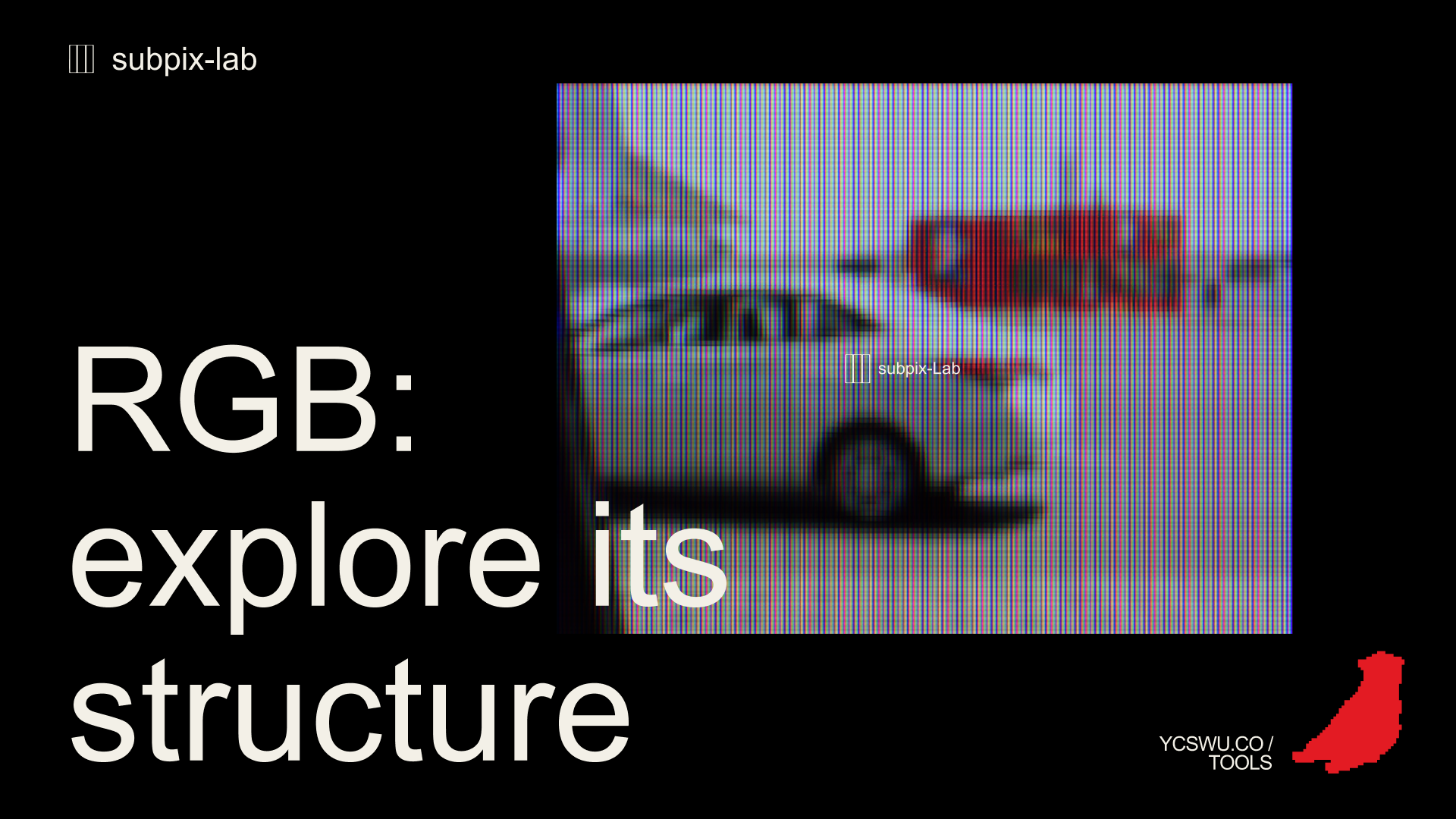
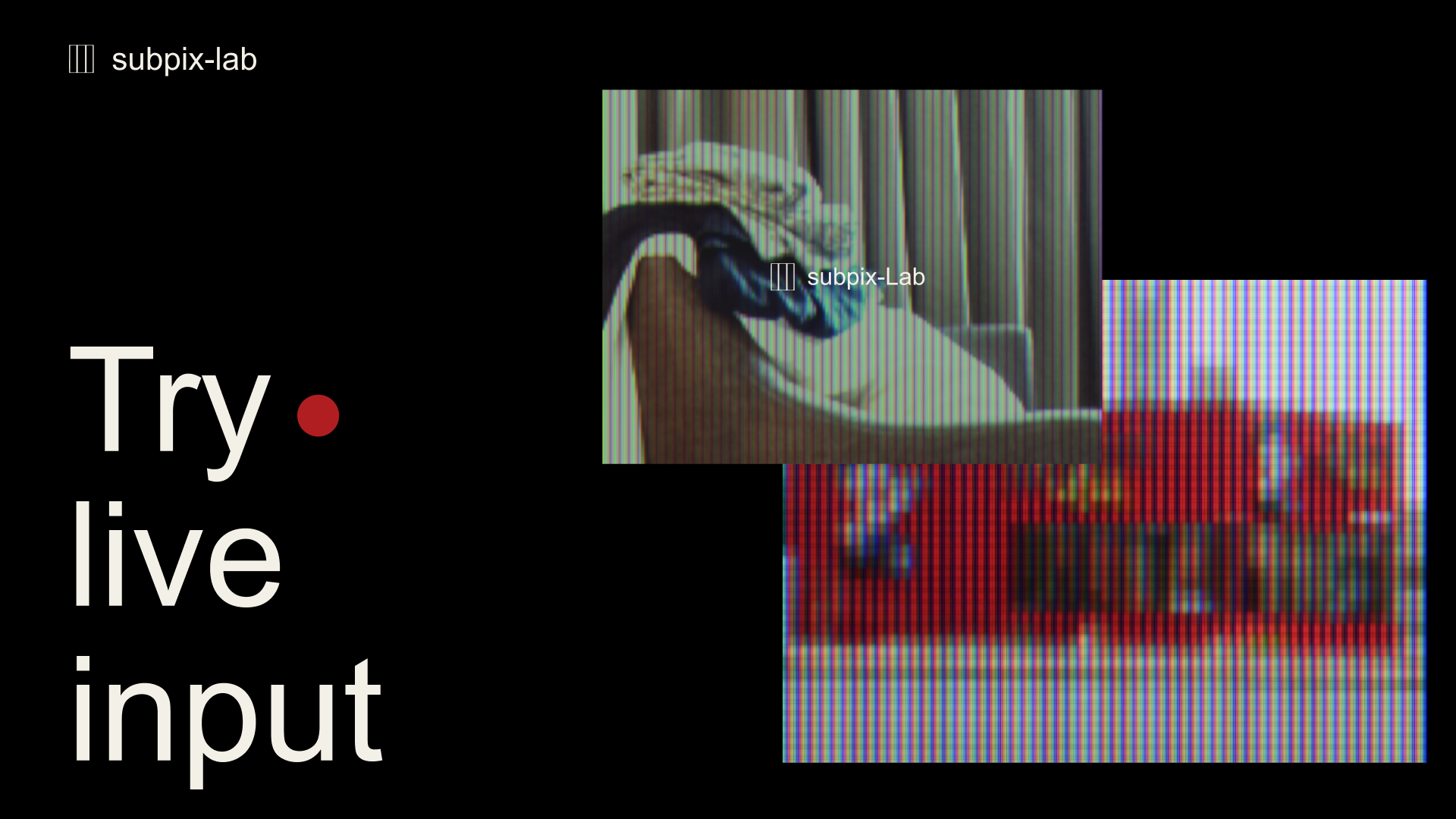
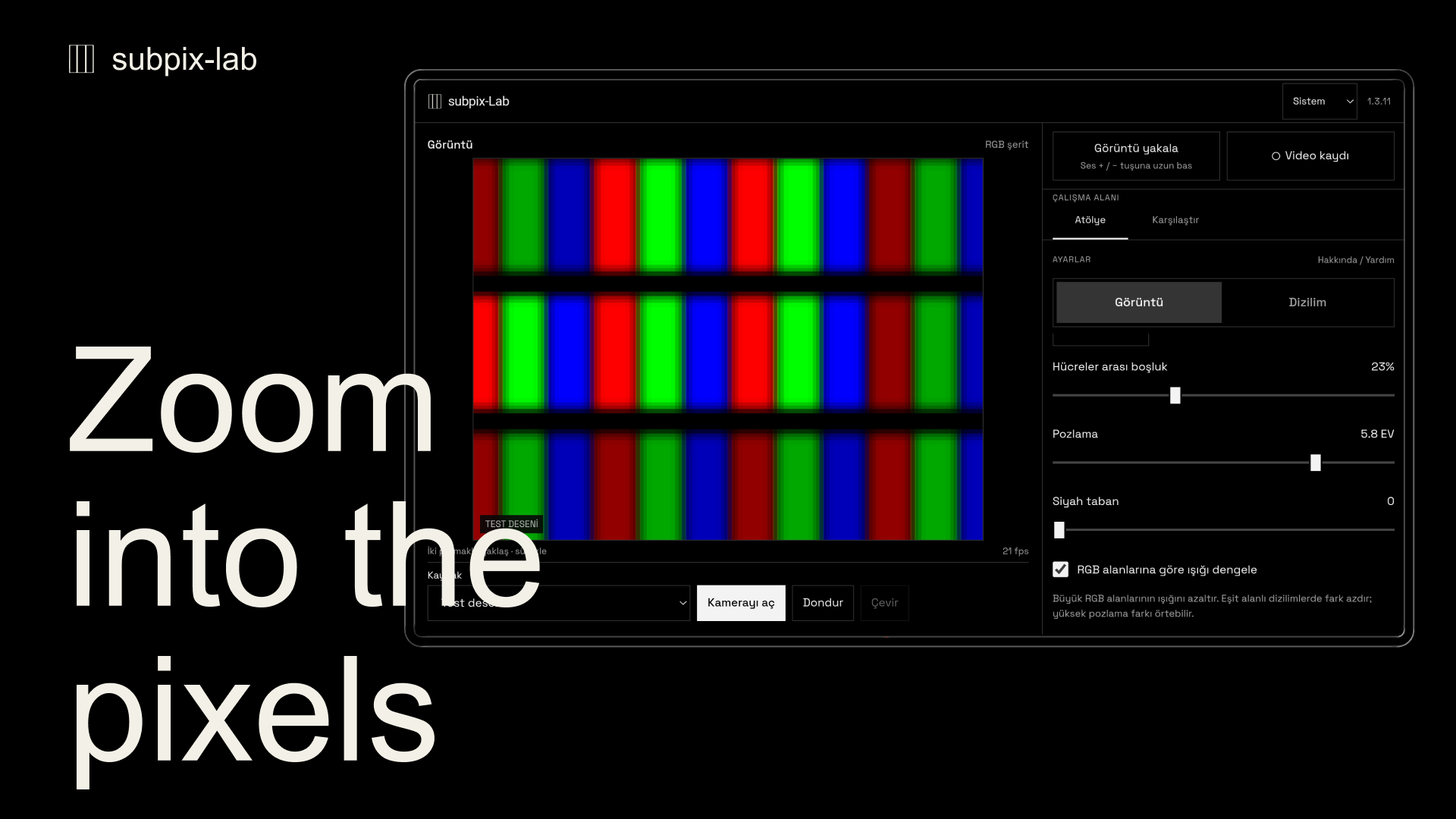
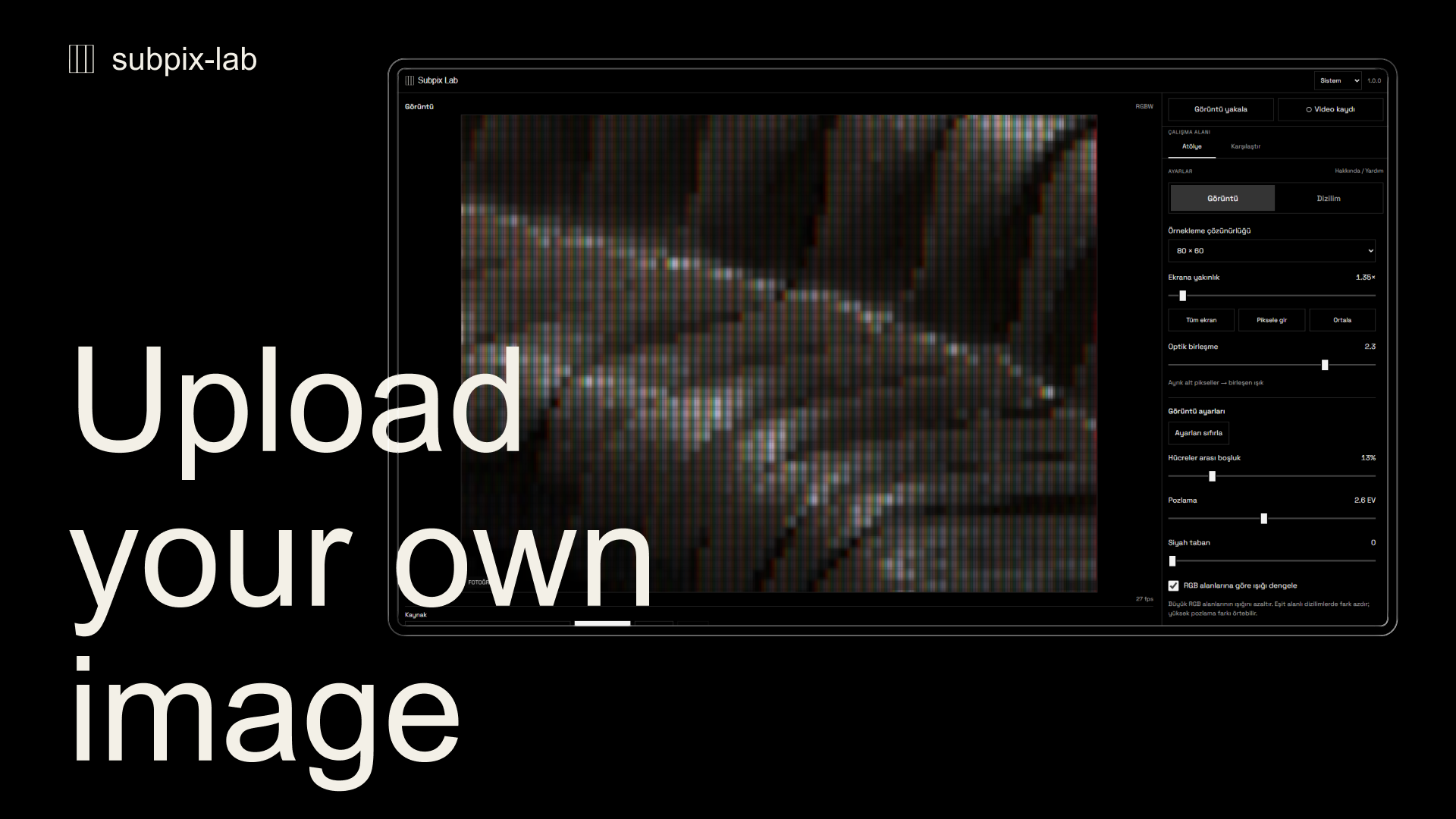
subpix-Lab is a visual workspace for exploring how images look through different subpixel layouts. Start with a test pattern, open a photo or video from your device, or use an available camera with permission. Images are processed locally.
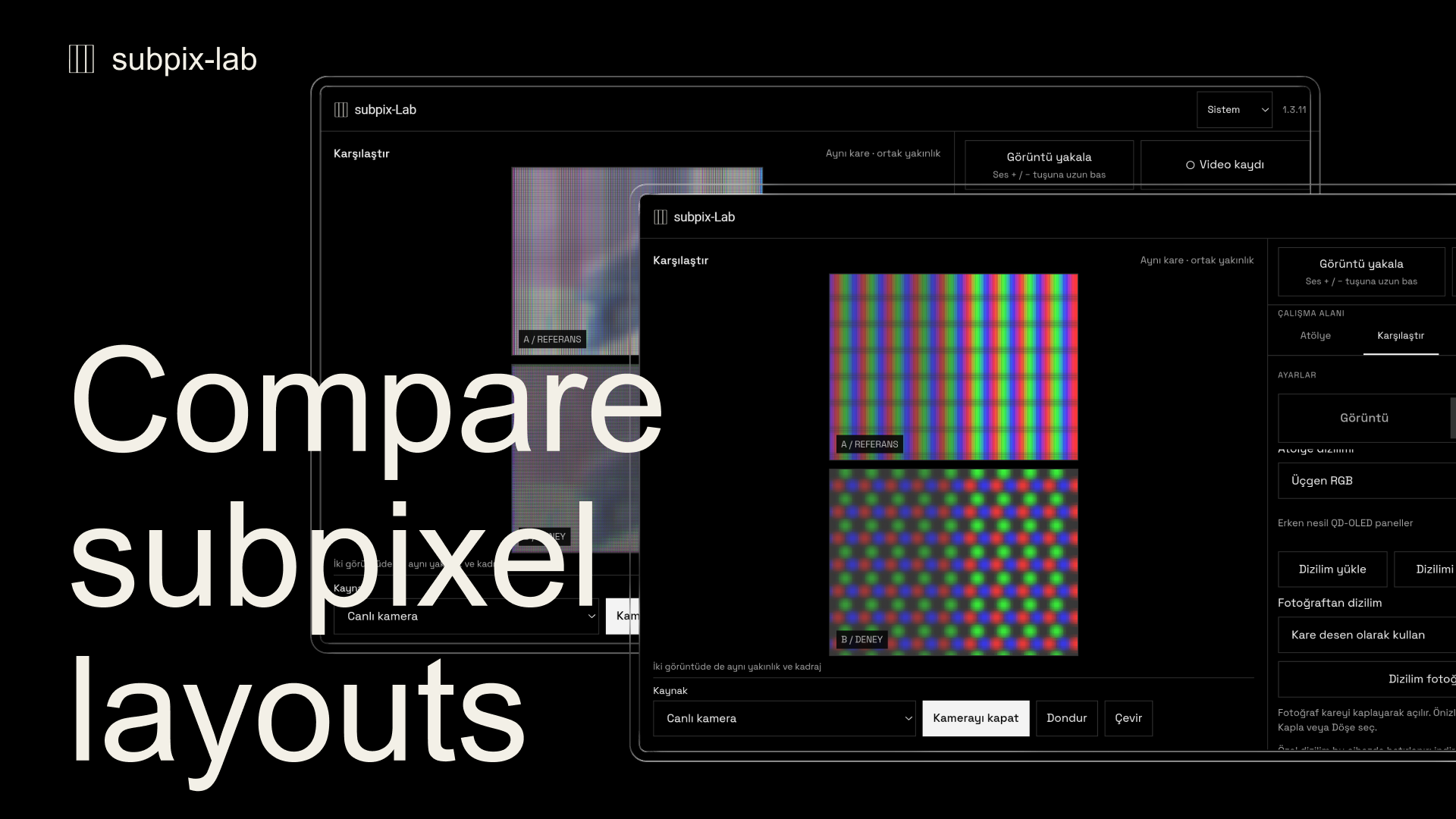
Compare two layouts using the same source and framing. Zoom and pan the preview, then adjust exposure, sampling resolution, cell spacing and optical blending.
Build your own layout with red, green, blue and white shapes. Change their position, size and rotation, and import or export layouts as JSON. Use a photo as a repeating square pattern with fit, fill and tile controls, or try extracting editable shapes from its RGB regions. Photo-based detection is approximate.
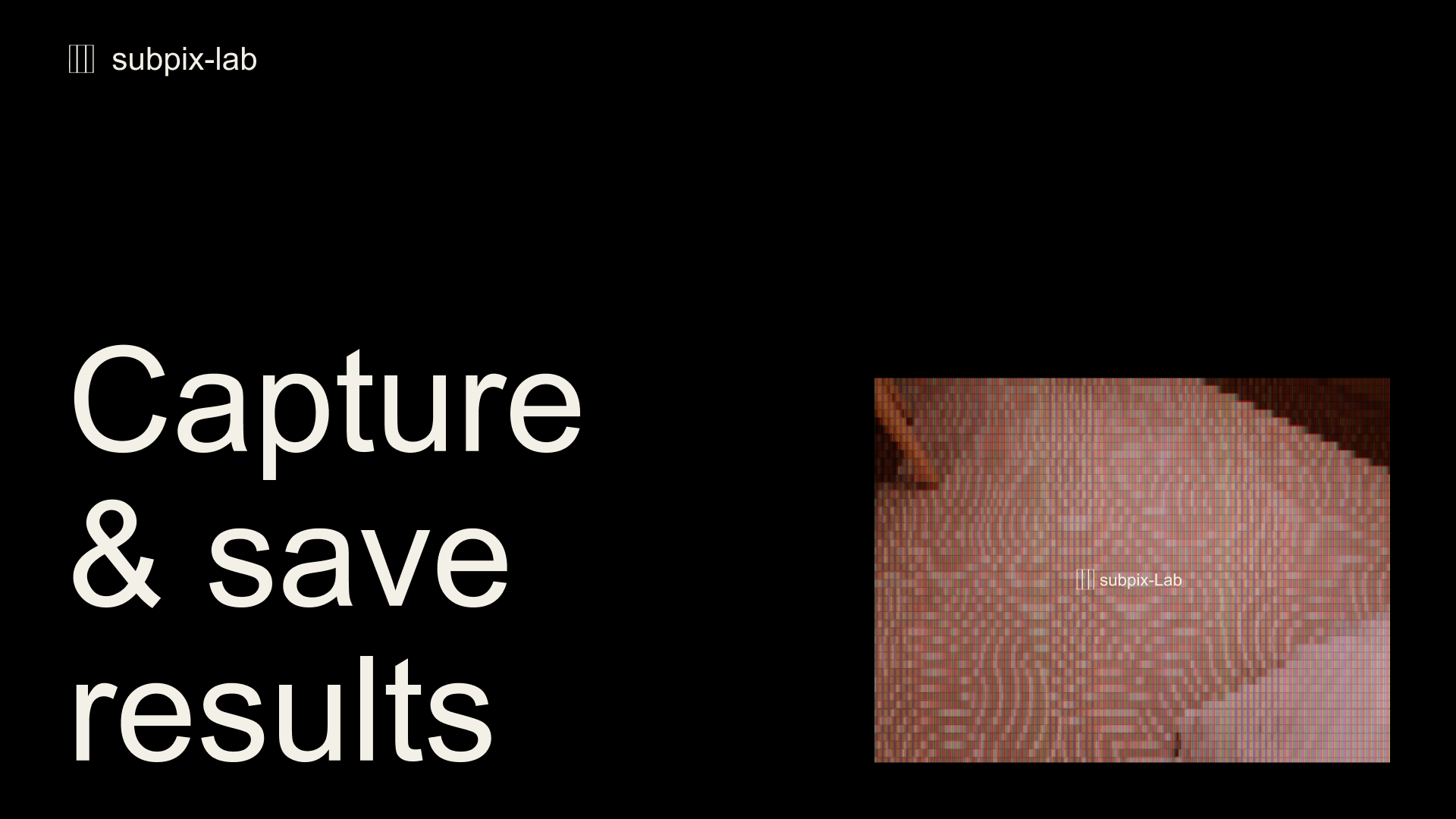
Save the processed view as a JPG/SVG image or a silent video. Supported input and video export formats depend on the device.
The core image and layout tools work offline and do not require an app account. Choose a light, dark or system theme. The app includes help and a privacy notice. The privacy text is available in Turkish and English.
The layouts are schematic simulations, not measured display profiles. Zoom enlarges the preview; it does not change the camera lens.
The interface is available in eight languages: Turkish, English, German, French, Spanish, Portuguese, Japanese and Korean. The device language is selected on first launch. Change it from the language menu in the top bar; the app remembers your choice.
What's new in 1.4.9
Choose Free, 1:1, 16:9 or 9:16 frames and export the current view as JPG or SVG. A/B exports keep both views stacked with the preview's black margins and spacing. Touch controls now let you scroll across sliders without changing their values; drag the thumb to adjust them. The Export menu is simpler, and saved or cancelled notices clear after two seconds. Export and Image labels now follow the selected interface language.
SVG retains vector subpixel geometry; photos and image-based layouts use embedded local textures where needed.
Windows desktop download
Version 1.4.9 for Windows 10/11 (64-bit). Extract the ZIP to a folder, then launch subpix-Lab.exe. Keep all included runtime files in the same folder.
Also available on Microsoft Store
Get subpix-Lab on Microsoft Store
Free browser demo
Try the web version for free in your browser: https://ycswu.co/subpix-Lab/
Support: hiycswu@gmail.com
Other languages
Türkçe
Windows 10/11 tablet ve bilgisayarlar için tasarlandı.
subpix-Lab, görüntülerin farklı alt piksel dizilimleriyle nasıl göründüğünü inceleyebileceğin bir görsel çalışma alanıdır. Bir test deseniyle başla, cihazından fotoğraf veya video aç ya da izin vererek erişilebilir bir kamerayı kullan. Görüntüler cihazında işlenir.
Aynı kaynak ve kadrajla iki dizilimi karşılaştır. Önizlemeyi yakınlaştırıp sürükle; pozlama, örnekleme çözünürlüğü, hücre boşluğu ve optik birleşme ayarlarıyla denemeler yap.
Kırmızı, yeşil, mavi ve beyaz şekillerle kendi dizilimini oluştur. Şekillerin konumunu, boyutunu ve açısını değiştir; dizilimleri JSON olarak içe ve dışa aktar. Bir fotoğrafı sığdır, kapla ve döşe seçenekleriyle tekrar eden kare desen olarak kullan veya fotoğrafın RGB bölgelerinden düzenlenebilir şekiller çıkarmayı dene. Fotoğraftan algılama yaklaşık sonuç verir.
İşlenmiş görüntüyü JPG/SVG veya sessiz video olarak kaydet. Desteklenen giriş ve video çıktı biçimleri cihaza bağlıdır.
Temel görüntü ve dizilim araçları çevrimdışı çalışır ve uygulama hesabı gerektirmez. Açık, koyu veya sistem temasını seç. Yardım ve Türkçe/İngilizce gizlilik metni uygulama içinden okunabilir.
Dizilimler şematik simülasyonlardır; ölçülmüş ekran profilleri değildir. Yakınlaştırma önizlemeyi büyütür, kamera lensini değiştirmez.
Arayüz sekiz dilde kullanılabilir: Türkçe, İngilizce, Almanca, Fransızca, İspanyolca, Portekizce, Japonca ve Korece. İlk açılışta cihaz dili seçilir. Üst çubuktaki dil menüsünden seçimini değiştirebilirsin; uygulama bu seçimi hatırlar.
Ücretsiz web demosunu tarayıcınızda deneyin:
https://ycswu.co/subpix-Lab/
Deutsch
Für Tablets und Computer mit Windows 10/11 entwickelt.
subpix-Lab ist eine visuelle Arbeitsumgebung, in der du erkunden kannst, wie Bilder mit unterschiedlichen Subpixel-Anordnungen aussehen. Beginne mit einem Testbild, öffne ein Foto oder Video von deinem Gerät oder nutze nach deiner Zustimmung eine verfügbare Kamera. Die Bilder werden lokal verarbeitet.
Vergleiche zwei Anordnungen mit derselben Bildquelle und demselben Bildausschnitt. Vergrößere und verschiebe die Vorschau und passe anschließend Belichtung, Abtastauflösung, Zellabstand und optische Mischung an.
Erstelle eigene Anordnungen aus roten, grünen, blauen und weißen Formen. Ändere ihre Position, Größe und Drehung und importiere oder exportiere Anordnungen als JSON. Verwende ein Foto als wiederholtes quadratisches Muster mit den Optionen Einpassen, Ausfüllen und Kacheln oder versuche, aus seinen RGB-Bereichen bearbeitbare Formen zu gewinnen. Die Erkennung anhand von Fotos liefert Näherungswerte.
Speichere die bearbeitete Ansicht als JPG/SVG-Bild oder Video ohne Ton. Welche Eingabe- und Videoexportformate unterstützt werden, hängt vom Gerät ab.
Die grundlegenden Bild- und Anordnungswerkzeuge funktionieren offline und erfordern kein App-Konto. Wähle ein helles oder dunkles Design oder übernimm die Systemeinstellung. Hilfe und Datenschutzhinweise sind in der App verfügbar. Die Datenschutzhinweise sind auf Türkisch und Englisch verfasst.
Die Anordnungen sind schematische Simulationen und keine gemessenen Displayprofile. Der Zoom vergrößert die Vorschau; er verändert nicht das Kameraobjektiv.
Die Oberfläche ist in acht Sprachen verfügbar: Türkisch, Englisch, Deutsch, Französisch, Spanisch, Portugiesisch, Japanisch und Koreanisch. Beim ersten Start wird die Gerätesprache gewählt. Im Sprachmenü der oberen Leiste kannst du die Sprache ändern; die App merkt sich deine Auswahl.
Teste die kostenlose Web-Demo in deinem Browser:
https://ycswu.co/subpix-Lab/
日本語
Windows 10/11のタブレットとコンピューター向けに設計されています。
subpix-Labは、サブピクセルの配列によって画像の見え方がどう変わるかを探究するためのビジュアルワークスペースです。テストパターンから始めたり、デバイス内の写真や動画を開いたり、アクセスを許可して利用可能なカメラを使ったりできます。画像はデバイス内で処理されます。
同じソースと構図で2つの配列を比較できます。プレビューを拡大・縮小、移動し、露出、サンプリング解像度、セル間隔、光学的な混合を調整できます。
赤、緑、青、白の図形を使って独自の配列を作成できます。位置、サイズ、回転を変更し、配列をJSON形式で読み込んだり書き出したりできます。写真を繰り返す正方形パターンとして使い、全体表示、領域を埋める、繰り返しの各設定で配置できます。また、写真のRGB領域から編集可能な図形を抽出することも試せます。写真からの検出結果はおおよそのものです。
処理した表示をJPG/SVG画像または音声なしの動画として保存できます。対応する入力形式と動画の書き出し形式はデバイスによって異なります。
画像と配列の基本ツールはオフラインで動作し、アプリのアカウントは不要です。ライト、ダーク、システムのテーマを選択できます。アプリ内にはヘルプと、トルコ語・英語のプライバシーに関する説明があります。
配列は模式的なシミュレーションであり、実測に基づくディスプレイプロファイルではありません。ズームはプレビューを拡大するもので、カメラレンズのズームは変わりません。
インターフェースはトルコ語、英語、ドイツ語、フランス語、スペイン語、ポルトガル語、日本語、韓国語の8言語に対応しています。初回起動時は端末の言語を選択します。上部バーの言語メニューから変更でき、選択は保存されます。
無料のWebデモをブラウザーでお試しください:
https://ycswu.co/subpix-Lab/
Español (Latinoamérica)
Diseñado para tablets y computadoras con Windows 10/11.
subpix-Lab es un espacio de trabajo visual para explorar cómo se ven las imágenes con distintas disposiciones de subpíxeles. Empieza con un patrón de prueba, abre una foto o un video de tu dispositivo o usa una cámara disponible con tu permiso. Las imágenes se procesan localmente.
Compara dos disposiciones con la misma fuente de imagen y el mismo encuadre. Amplía y desplaza la vista previa; después ajusta la exposición, la resolución de muestreo, la separación entre celdas y la mezcla óptica.
Crea tu propia disposición con formas rojas, verdes, azules y blancas. Cambia su posición, tamaño y rotación, e importa o exporta disposiciones en formato JSON. Usa una foto como patrón cuadrado repetido, con opciones para ajustar, rellenar y repetir en mosaico, o prueba a extraer formas editables de sus regiones RGB. La detección a partir de fotos es aproximada.
Guarda la vista procesada como una imagen JPG/SVG o un video sin sonido. Los formatos de entrada y de exportación de video compatibles dependen del dispositivo.
Las herramientas principales de imagen y edición de disposiciones funcionan sin conexión y no requieren una cuenta en la app. Elige un tema claro, oscuro o del sistema. La app incluye ayuda y un aviso de privacidad. El aviso de privacidad está disponible en turco e inglés.
Las disposiciones son simulaciones esquemáticas, no perfiles medidos de pantallas. El zoom amplía la vista previa; no modifica el lente de la cámara.
La interfaz está disponible en ocho idiomas: turco, inglés, alemán, francés, español, portugués, japonés y coreano. En el primer inicio se selecciona el idioma del dispositivo. Puedes cambiarlo desde el menú de idiomas de la barra superior; la app recuerda tu elección.
Prueba la demo web gratuita en tu navegador:
https://ycswu.co/subpix-Lab/
Português (Brasil)
Desenvolvido para tablets e computadores com Windows 10/11.
subpix-Lab é um espaço de trabalho visual para explorar a aparência das imagens em diferentes layouts de subpixels. Comece com um padrão de teste, abra uma foto ou um vídeo do seu dispositivo ou use uma câmera disponível com sua permissão. As imagens são processadas localmente.
Compare dois layouts usando a mesma fonte de imagem e o mesmo enquadramento. Amplie e mova a prévia; depois ajuste a exposição, a resolução de amostragem, o espaçamento entre células e a mesclagem óptica.
Crie seu próprio layout com formas vermelhas, verdes, azuis e brancas. Altere a posição, o tamanho e a rotação das formas e importe ou exporte layouts em JSON. Use uma foto como um padrão quadrado repetido, com controles de ajuste, preenchimento e repetição em mosaico, ou experimente extrair formas editáveis das regiões RGB da foto. A detecção baseada em fotos é aproximada.
Salve a visualização processada como uma imagem JPG/SVG ou um vídeo sem som. Os formatos aceitos de entrada e de exportação de vídeo dependem do dispositivo.
As ferramentas principais de imagem e edição de layouts funcionam offline e não exigem uma conta no app. Escolha o tema claro, escuro ou do sistema. O app inclui ajuda e um aviso de privacidade. O aviso de privacidade está disponível em turco e inglês.
Os layouts são simulações esquemáticas, não perfis medidos de telas. O zoom amplia a prévia; ele não altera a lente da câmera.
A interface está disponível em oito idiomas: turco, inglês, alemão, francês, espanhol, português, japonês e coreano. Na primeira abertura, o idioma do dispositivo é selecionado. Você pode alterá-lo pelo menu de idiomas na barra superior; o app lembra sua escolha.
Experimente a demonstração web gratuita no seu navegador:
https://ycswu.co/subpix-Lab/
한국어
Windows 10/11 태블릿과 컴퓨터를 위해 설계되었습니다.
subpix-Lab은 서브픽셀 배열에 따라 이미지가 어떻게 달라 보이는지 살펴보는 시각적 작업 공간입니다. 테스트 패턴으로 시작하거나, 기기에 있는 사진과 동영상을 열거나, 접근 권한을 허용하여 사용 가능한 카메라를 이용할 수 있습니다. 이미지는 기기 안에서 처리됩니다.
같은 소스와 구도로 두 가지 배열을 비교하세요. 미리보기를 확대·축소하고 이동한 뒤 노출, 샘플링 해상도, 셀 간격, 광학적 혼합을 조절할 수 있습니다.
빨강, 초록, 파랑, 흰색 도형으로 나만의 배열을 만드세요. 위치, 크기, 회전을 바꾸고 배열을 JSON으로 가져오거나 내보낼 수 있습니다. 사진을 반복되는 정사각형 패턴으로 사용하면서 맞춤, 채우기, 타일 반복을 설정하거나, 사진의 RGB 영역에서 편집 가능한 도형을 추출해 볼 수 있습니다. 사진을 통한 감지는 대략적인 결과를 제공합니다.
처리된 화면을 JPG/SVG 이미지 또는 무음 동영상으로 저장하세요. 지원되는 입력 형식과 동영상 내보내기 형식은 기기에 따라 다릅니다.
기본 이미지 및 배열 도구는 오프라인에서 작동하며 앱 계정이 필요하지 않습니다. 밝은 테마, 어두운 테마 또는 시스템 테마를 선택할 수 있습니다. 앱 안에서 도움말과 터키어·영어로 된 개인정보 처리방침을 확인할 수 있습니다.
배열은 도식적인 시뮬레이션이며 실측 디스플레이 프로파일이 아닙니다. 줌은 미리보기를 확대하며 카메라 렌즈의 줌을 변경하지 않습니다.
인터페이스는 터키어, 영어, 독일어, 프랑스어, 스페인어, 포르투갈어, 일본어, 한국어 등 8개 언어를 지원합니다. 처음 실행하면 기기 언어가 선택됩니다. 상단 표시줄의 언어 메뉴에서 변경할 수 있으며, 앱은 선택을 기억합니다.
브라우저에서 무료 웹 데모를 체험해 보세요:
https://ycswu.co/subpix-Lab/
Français
Conçu pour les tablettes et ordinateurs Windows 10/11.
subpix-Lab est un espace de travail visuel pour explorer le rendu des images à travers différents agencements de sous-pixels. Commencez avec une mire, ouvrez une photo ou une vidéo de votre appareil, ou utilisez une caméra disponible après avoir accordé l’autorisation. Les images sont traitées localement.
Comparez deux agencements avec la même source d’image et le même cadrage. Zoomez et déplacez l’aperçu, puis réglez l’exposition, la résolution d’échantillonnage, l’espacement des cellules et la fusion optique.
Créez votre propre agencement avec des formes rouges, vertes, bleues et blanches. Modifiez leur position, leur taille et leur rotation, puis importez ou exportez les agencements au format JSON. Utilisez une photo comme motif carré répété grâce aux options d’ajustement, de remplissage et de mosaïque, ou essayez d’extraire des formes modifiables à partir de ses zones RVB. La détection à partir de photos reste approximative.
Enregistrez le rendu sous forme d’image JPG/SVG ou de vidéo sans son. Les formats d’entrée et d’export vidéo pris en charge dépendent de l’appareil.
Les principaux outils d’image et d’agencement fonctionnent hors ligne et ne nécessitent pas de compte dans l’application. Choisissez un thème clair, sombre ou identique à celui du système. L’application propose une aide et une notice de confidentialité. La notice de confidentialité est disponible en turc et en anglais.
Les agencements sont des simulations schématiques, et non des profils d’écran mesurés. Le zoom agrandit l’aperçu ; il ne modifie pas l’objectif de la caméra.
L’interface est disponible en huit langues : turc, anglais, allemand, français, espagnol, portugais, japonais et coréen. Au premier lancement, la langue de l’appareil est sélectionnée. Modifiez-la depuis le menu de langue de la barre supérieure ; l’application mémorise votre choix.
Essayez la démo web gratuite dans votre navigateur :
https://ycswu.co/subpix-Lab/
Purchase
In order to download this app you must purchase it at or above the minimum price of $5.99 USD. You will get access to the following files:
Also available on

Development log
Leave a comment
Log in with itch.io to leave a comment.